

Viggle AI vs DALL-E 3: Which AI Tool Is Better for Animation and Image Creation?
Discover the key differences between Viggle AI and DALL-E 3. Learn how these AI tools compare in animation, image generation, features, and use cases, and which one is best for creators and digital content production.
AI/FUTURECOMPANY/INDUSTRYEDITOR/TOOLS
Sachin K Chaurasiya
3/17/20266 min read
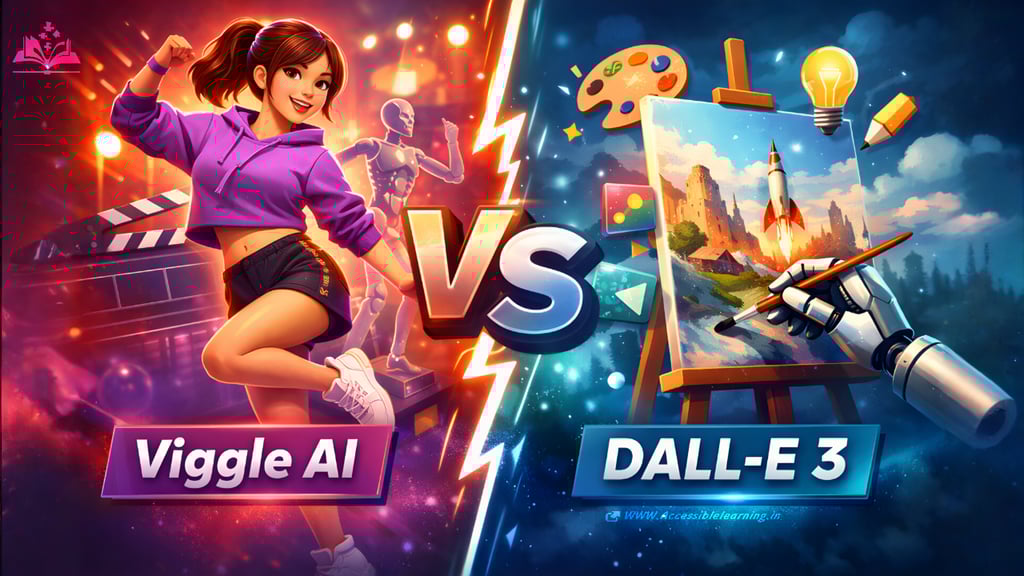
Artificial intelligence is transforming the way digital content is created. Tasks that once required advanced design skills, animation software, or professional tools can now be done with simple prompts. Among the many AI tools available today, Viggle AI and DALL-E 3 have gained attention for their powerful creative capabilities.
However, these two tools are designed for different purposes. Viggle AI focuses on AI-driven animation and motion generation, while DALL-E 3 specializes in generating images from text descriptions. Both tools are useful for creators, but understanding their differences can help you choose the right one for your workflow.
What Is Viggle AI?
Viggle AI is a generative AI platform designed to animate characters and create motion-based content. Instead of generating images from text, Viggle allows users to animate existing images by applying motion from reference videos or predefined templates.
For example, a creator can upload an image of a character and use a reference dance video. Viggle AI analyzes the motion in the video and transfers that movement to the character image, producing a short animated clip. This technology makes animation accessible even for users who have no experience with professional animation software.
Key Features
Motion Transfer Technology: Viggle AI can analyze motion from a reference video and apply that motion to a still character image, creating a realistic animation.
Image-to-Video Conversion: Users can convert static characters or illustrations into moving animated videos.
Prompt-Based Motion Control: Some movements can be generated through simple text instructions, allowing creators to experiment with different actions and poses.
Prebuilt Animation Templates: The platform includes templates such as dancing, walking, fighting, sports movements, and meme animations.
Fast Social Media Content Creation: Animations can be exported quickly for use on platforms such as TikTok, Instagram Reels, or YouTube Shorts.
Technology Behind Viggle AI
Viggle AI uses advanced motion capture and pose estimation models. These systems analyze body positions frame by frame and recreate those movements for the character image. The AI also adjusts body proportions, shadows, and positioning to keep the animation looking natural. Because of this technology, Viggle AI can simulate movement without requiring traditional 3D animation or manual rigging.
Common Use Cases
Creators often use Viggle AI for:
Viral meme animations
Character dance videos
Short-form social media content
Creative storytelling clips
Marketing and promotional animations
Many influencers and digital creators use Viggle to produce entertaining content quickly.

What Is DALL-E 3?
DALL-E 3 is an advanced text-to-image generation model capable of creating detailed images from written prompts. Users simply describe a scene, character, or concept, and the AI generates visuals that match the description.
It represents a major improvement over earlier AI image generators because it can interpret complex prompts more accurately and produce more coherent images. DALL-E 3 is widely used in design, marketing, digital art, and creative industries.
Key Features
Text-to-Image Generation: Users can generate images by typing a description of the scene they want.
Advanced Prompt Interpretation: The system understands complex instructions and context, which helps produce more accurate results.
Image Editing and Regeneration: Users can edit certain areas of an image or generate variations to explore multiple design options.
Better Text Rendering in Images: Compared to older models, DALL-E 3 can produce clearer text in posters, graphics, and designs.
Multiple Artistic Styles: The AI can create photorealistic images, digital paintings, concept art, cartoons, and illustrations.
Technology Behind
DALL-E 3 uses diffusion models and deep learning techniques to generate images. The system starts with random visual noise and gradually refines it into a detailed image based on the prompt.
It is trained on large datasets of images and descriptions, allowing the model to understand objects, artistic styles, lighting, and visual composition.
Common Use Cases
DALL-E 3 is commonly used for:
Concept art and character design
Marketing graphics and advertisements
Book illustrations and storyboards
Product design concepts
Website and social media visuals
Because of its versatility, it is often used by designers, creative professionals, and businesses.
Viggle AI vs DALL-E 3: Key Differences
Although both tools rely on artificial intelligence, their purpose and output are very different. Viggle AI focuses on motion and animation, while DALL-E 3 focuses on image generation.
Viggle takes an existing image and brings it to life by applying motion. DALL-E 3 generates entirely new images from text descriptions. In simple terms:
Viggle AI creates animated videos
DALL-E 3 creates static images
This difference means they are often used in different stages of content creation.

Creativity and Visual Quality
When it comes to creating visually detailed images, DALL-E 3 performs extremely well. It can generate imaginative environments, detailed characters, and complex visual compositions.
Viggle AI does not generate images from scratch. Instead, it focuses on creating realistic movement and motion animations for characters.
For static artwork and illustrations, DALL-E 3 offers greater creative flexibility. For motion-based storytelling and animation, Viggle AI becomes the more powerful tool.
Ease of Use
Both platforms are designed to be beginner-friendly. Viggle AI works through a simple process:
Upload a character image
Select a motion reference or template
Generate the animation
DALL-E 3 works differently. Users must write detailed prompts describing the scene they want to generate. The more precise the prompt, the better the output. Because of this prompt dependency, new users sometimes need time to learn how to write effective prompts.
Content Creation Speed
AI tools dramatically reduce the time needed to produce creative content. DALL-E 3 can generate multiple images within seconds, making it useful for brainstorming visual ideas quickly. Viggle AI can generate animated clips in just a few minutes. While animation processing may take slightly longer than image generation, it is still much faster than traditional animation workflows.
Versatility and Creative Flexibility
DALL-E 3 is highly versatile and can be used across many creative fields, including design, advertising, publishing, and entertainment. It can produce:
Posters
Digital paintings
Product visuals
Website illustrations
Concept art
Viggle AI is more specialized. Its primary strength lies in character animation and motion-driven content. Because of this, creators sometimes combine both tools in a single workflow.
For example:
Generate a character using DALL-E 3
Animate that character using Viggle AI
This combination can produce powerful visual storytelling content.
Advantages of Viggle AI
Viggle AI simplifies animation and makes it accessible to creators without technical expertise. Its biggest strengths include
Realistic motion transfer from videos
Fast animation generation
Easy creation of viral social media videos
Simple and intuitive workflow
However, it has limitations. The platform relies on existing images or characters and does not generate entirely new visual concepts.
Advantages of DALL-E 3
DALL-E 3 is one of the most powerful tools for generating visual ideas and artwork. Its major strengths include:
High-quality image generation
Accurate interpretation of complex prompts
Ability to generate multiple design variations
Support for many artistic styles
Its main limitation is that it generates static images rather than animated content.
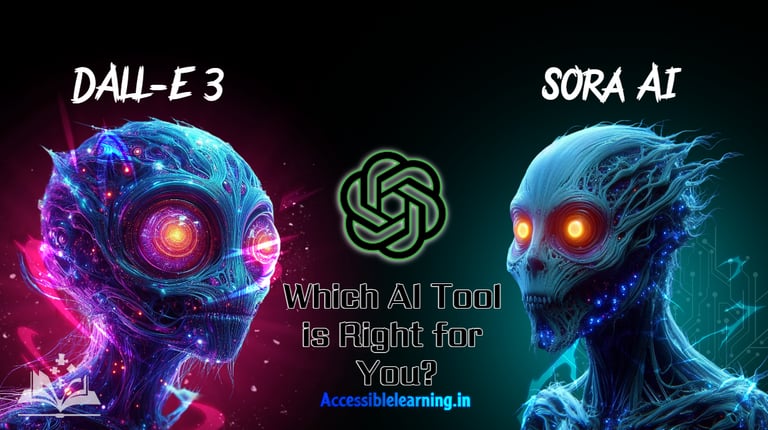
Which AI Tool Should You Choose?
The right tool depends on what type of content you want to create. Choose DALL-E 3 if your goal is to generate:
digital art
marketing visuals
illustrations
concept designs
Choose Viggle AI if you want to create:
animated characters
viral meme videos
motion-based storytelling
social media animations
Many creators use both tools together to combine image generation and animation.
The Future of AI Creativity
The rise of tools like Viggle AI and DALL-E 3 shows how rapidly AI is changing digital creativity. What once required teams of designers and animators can now be done by individual creators using AI tools.
As technology continues to evolve, future AI platforms may combine image generation, animation, and video creation into a single workflow. This will allow creators to generate entire visual stories from simple prompts.
For now, Viggle AI and DALL-E 3 represent two powerful creative tools that help creators produce content faster, experiment with new ideas, and push the boundaries of digital creativity.
FAQ's
Q: What is the main difference between Viggle AI and DALL-E 3?
The main difference lies in the type of content each tool creates. Viggle AI is designed for animation and motion generation, allowing users to turn static images into animated videos using motion transfer technology. DALL-E 3, on the other hand, generates static images from text prompts, making it more suitable for artwork, illustrations, and visual design.
Q: Can Viggle AI generate images like DALL-E 3?
No, Viggle AI is not built for generating images from text prompts. Its main purpose is to animate characters or images by applying movement. If you need to create new images or visual concepts from scratch, DALL-E 3 is the better option.
Q: Can DALL-E 3 create animations or videos?
DALL-E 3 primarily generates static images, not animations. While the images it creates can be used in video projects or animations, the model itself does not produce moving content. For animation tasks, tools like Viggle AI are more appropriate.
Q: Which tool is better for social media content?
If your focus is on viral videos, animated memes, or short-form video content, Viggle AI is the better choice because it specializes in motion and animation.
However, if you want eye-catching visuals, illustrations, or promotional graphics for posts and ads, DALL-E 3 can be more useful.
Q: Can Viggle AI and DALL-E 3 be used together?
Yes, many creators combine both tools in their workflow. For example, a creator might generate a character or artwork using DALL-E 3 and then animate that character using Viggle AI. This approach allows users to create both visual design and animation with AI tools.
Q: Which AI tool is easier for beginners?
Both tools are beginner-friendly, but Viggle AI may feel easier for first-time users because it relies on templates and motion references rather than detailed prompts. DALL-E 3 requires users to write clear descriptions to achieve the best results.
Q: Is Viggle AI free to use?
Viggle AI often provides limited free access with some restrictions, while additional features or higher usage limits may require a subscription or premium plan.
Q: What industries use DALL-E 3 the most?
DALL-E 3 is widely used in industries such as graphic design, marketing, advertising, publishing, game development, and digital art. It helps professionals generate creative visuals quickly and explore design ideas efficiently.
Subscribe to Frontier Intelligence
All © Copyright reserved by Accessible-Learning Hub
| Terms & Conditions
Accessible Learning Hub — Actionable clarity for high-agency minds.
Weekly breakdowns on AI breakthroughs, capital flow, and human performance systems. Zero fluff.